
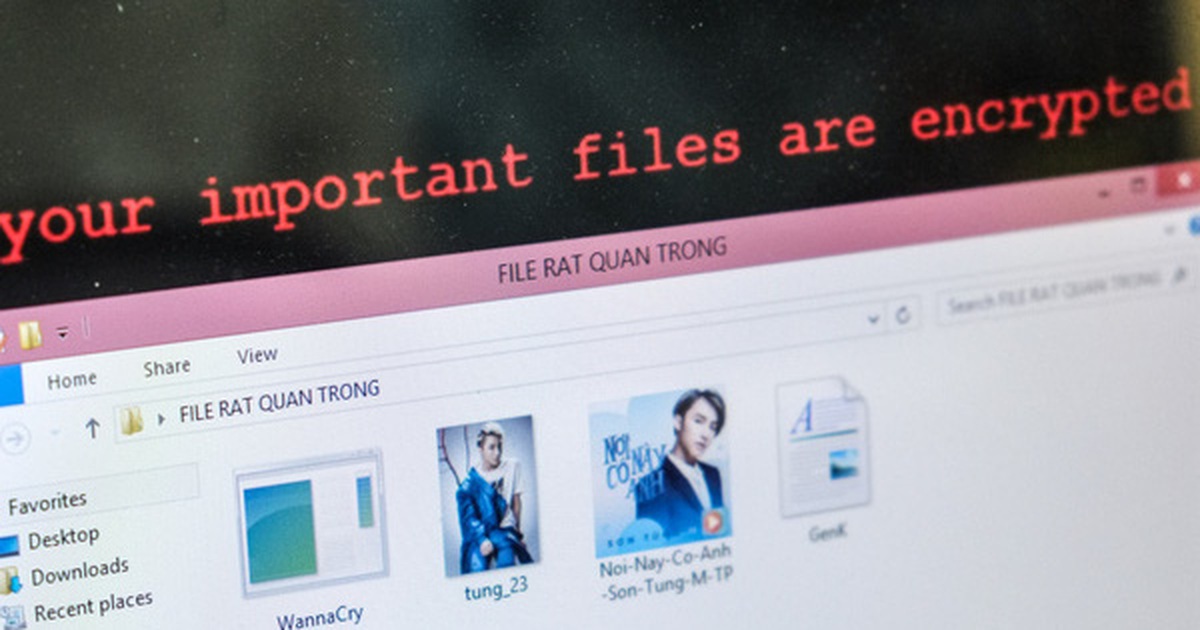
WannaCry là một con ransomware (phần mềm tống tiền) đang gây bão trên Internet mấy hôm qua. Vậy khi máy tính của bạn bị nhiễm WannaCry thì nó sẽ trông kinh hoàng như thế nào? Cùng mình xem nhé!
Máy tính khi nhiễm ransomware WannaCry sẽ như thế nào?
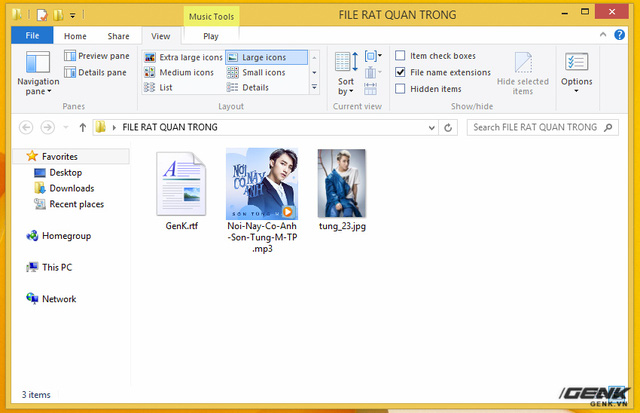
Chiếc PC được thử nghiệm có chứa một số file rtf (tài liệu), mp3 (đa phương tiện) và jpg (ảnh). WannaCry lây nhiễm rất nhiều loại file khác nhau, chứa các dữ liệu quan trọng của người dùng đó nha!
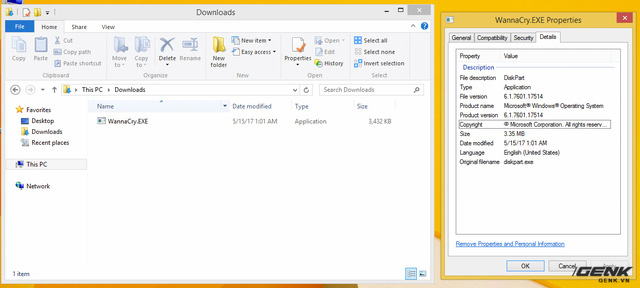
Đây là file thực thi của WannaCry. Nó có dung lượng 3.35MB và được giả dạng thành một phần mềm của Windows (xịn sò lắm luôn )
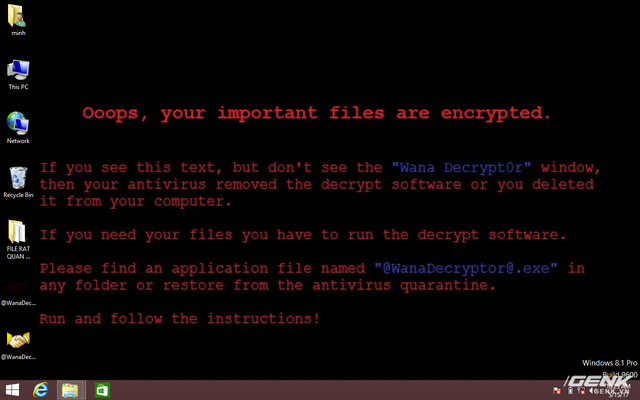
Sau khi chạy, WannaCry bắt đầu tiến hành mã hóa dữ liệu bằng thuật toán RSA 2048-bit, gần như không thể giải mã được (rip data ). Màn hình nền của người dùng sẽ bị thay đổi thành hình ảnh thông báo "Dữ liệu quan trọng của bạn đã bị mã hóa"
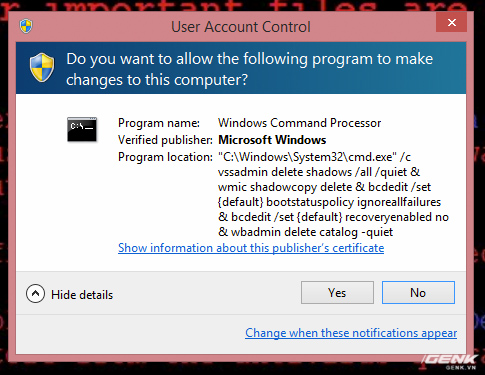
Nếu máy tính của bạn kích hoạt tính năng UAC (User Account Control), một thông báo yêu cầu cấp quyền sẽ hiện ra. Đây thực chất là câu lệnh của WannaCry nhằm tắt tính năng back-up dữ liệu Volume Shadow Copy và xóa toàn bộ bản sao trước đó luôn á (đau thật đấy ).
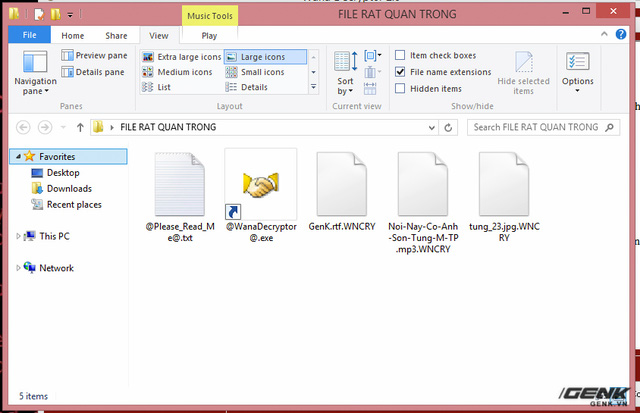
Tất cả dữ liệu người dùng sẽ bị mã hóa với đuôi .WNCRY, kèm theo một shortcut đến công cụ giải mã nữa
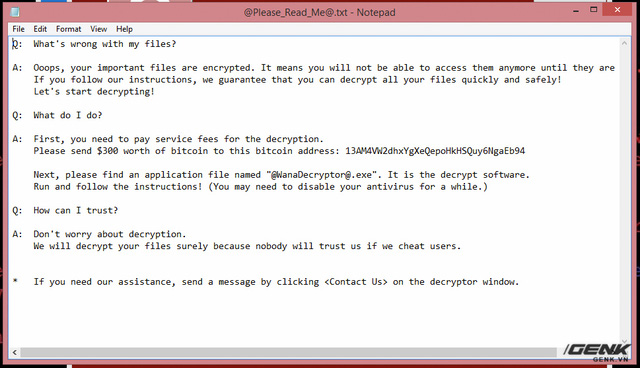
Một tập tin .txt cũng được tạo ra, giải thích lý do dữ liệu người dùng bị mã hóa:
Q: What's wrong with my files?
A: Ooops, your important files are encrypted. It means you will not be able to access them anymore until they are decrypted.
If you follow our instructions, we guarantee that you can decrypt all your files quickly and safely!
Let's start decrypting!
Q: What do I do?
A: First, you need to pay service fees for the decryption.
Please send $300 worth of bitcoin to this bitcoin address: 13AM4VW2dhxYgXeQepoHkHSQuy6NgaEb94
Next, please find an application file named "@WanaDecryptor@.exe". It is the decrypt software.
Run and follow the instructions! (You may need to disable your antivirus for a while.)
Q: How can I trust?
A: Don't worry about decryption.
We will decrypt your files surely because nobody will trust us if we cheat users.
• If you need our assistance, send a message by clickingon the decryptor window.
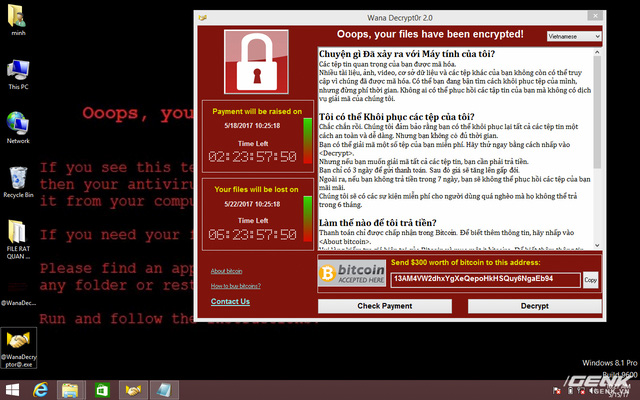
Sau khi quá trình mã hóa thành công, màn hình tống tiền của WannaCry sẽ xuất hiện (moment kinh điển đây rồi ).
Nguồn: soha.vn